Pixelator - Android에서 사진을 픽셀화함

InetTools 안드로이드 앱
픽셀레이터
기기에서 사진을 픽셀화합니다. 전체 이미지를 처리하거나 브러시로 선택한 영역만 덮습니다.
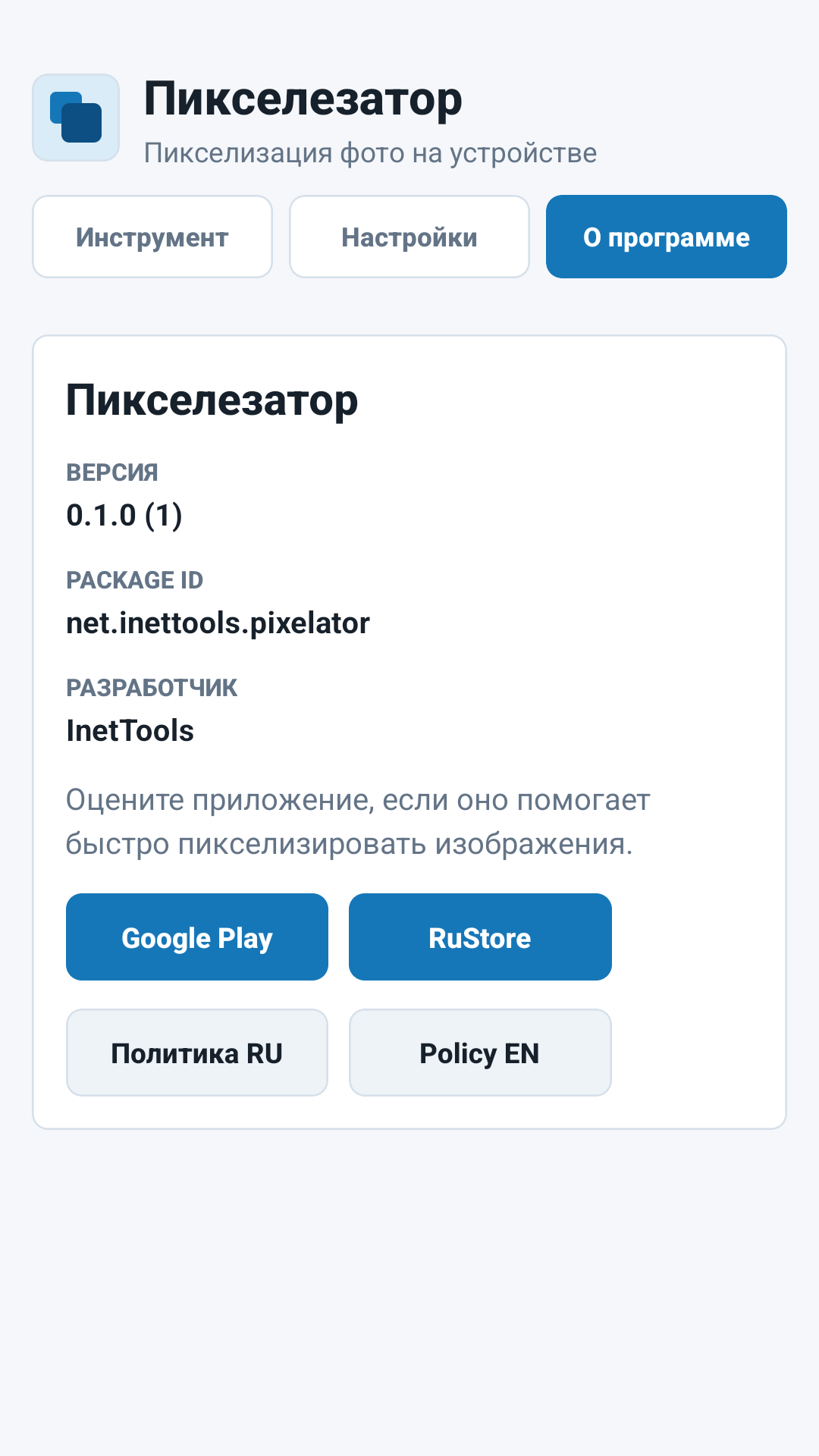
앱 패키지: net.inettools.pixelator. 개인 정보 보호 정책.
사용 사례
공유 전 빠른 픽셀화
Pixelator는 사진의 시각적 세부정보를 숨기거나, 픽셀 모자이크 스타일을 만들거나, 게시하거나 보내기 전에 스타일화된 이미지를 준비하는 데 도움이 됩니다.
전체 이미지 픽셀화
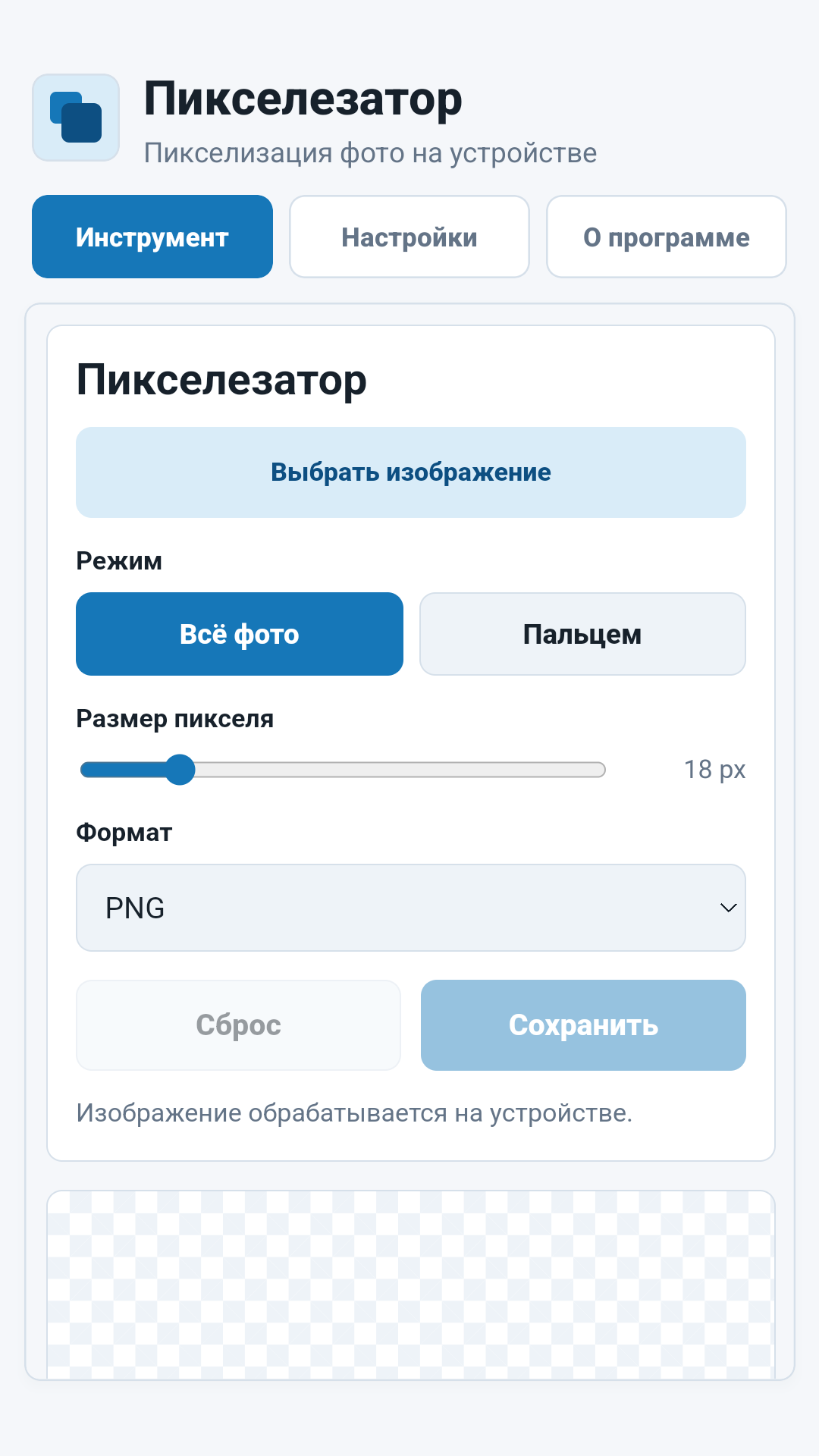
이미지를 선택하고 픽셀 크기를 설정한 후 전체 프레임에 효과를 적용합니다.
수동 브러시 모드
이미지의 나머지 부분은 변경하지 않고 선택한 부분만 손가락으로 가리세요.
효과 설정
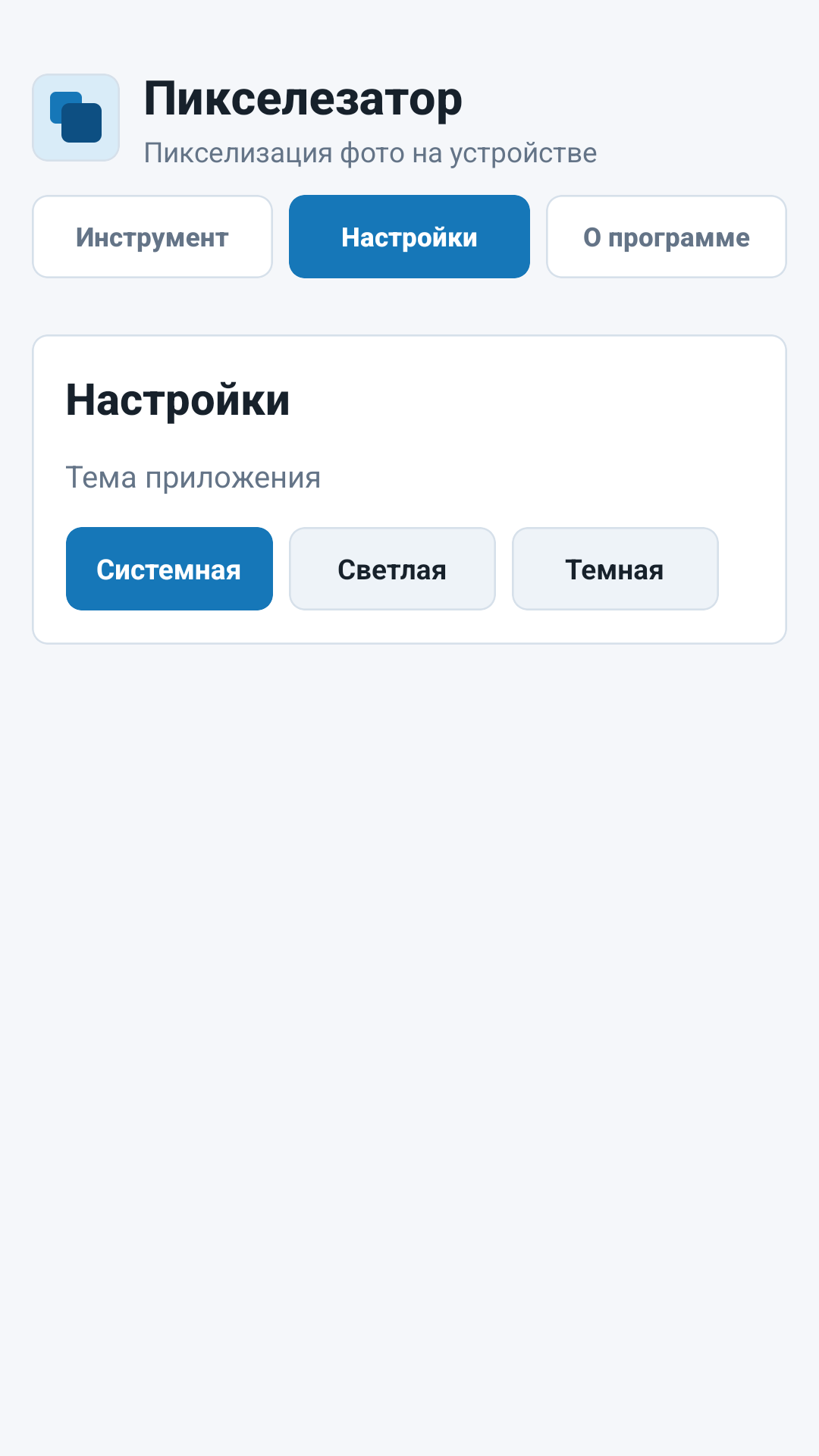
픽셀 및 브러시 크기를 조정하고 밝은 테마, 어두운 테마 또는 시스템 테마를 사용하세요.
수출
처리된 결과를 PNG, JPEG, WebP로 저장하고 앱에서 공유하세요.
인터페이스
앱 스크린샷
핵심 화면에는 이미지 선택 및 픽셀화, 처리 설정, 앱 정보가 포함됩니다.
중요
이미지는 로컬에서 처리됩니다.
선택한 이미지는 기기의 앱 내에서 처리됩니다. 인터넷 액세스는 처리를 위한 사진 업로드가 아닌 분석 및 충돌 진단에 사용됩니다.
Pixelator - Android에서 사진을 픽셀화함
로컬 사진 픽셀화, 브러시 기반 세부 정보 숨기기, 픽셀 크기 제어 및 PNG, JPEG 또는 WebP로 내보내기를 위한 InetTools Android 앱입니다.